
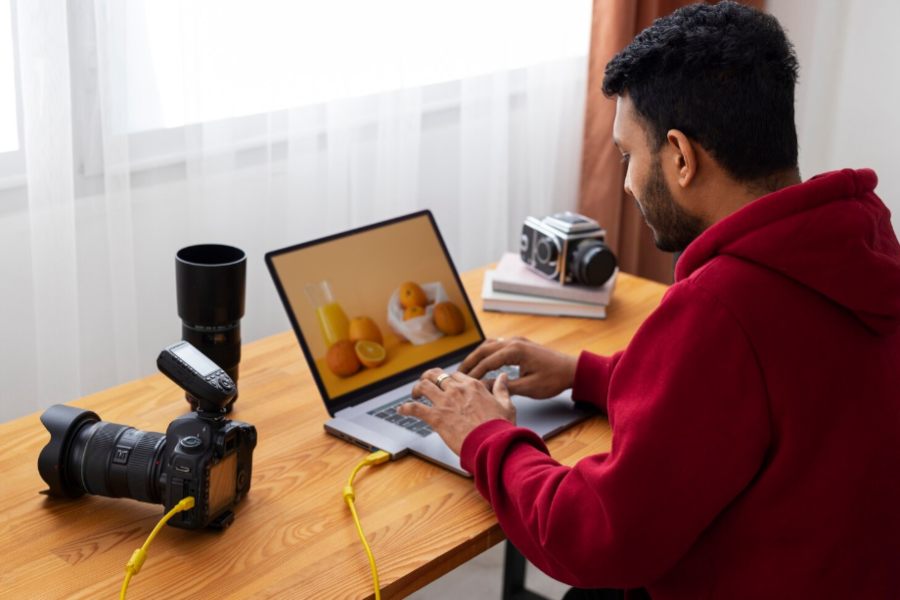
Most people who edit photos regularly have a complicated relationship with their tools. Professional software like Photoshop is genuinely powerful, but the learning curve is steep, the subscription cost adds up, and for anyone who isn’t a dedicated designer, the interface can feel like it was built for someone else entirely. On the other end of the spectrum, basic mobile apps are fast and accessible but cap out quickly when you need output that looks polished rather than filtered.
The middle ground — where editing is fast, results look professional, and you don’t need a design background to get there — is exactly what AI photo editing tools have been moving toward for the past couple of years. In 2026, that middle ground has become genuinely good. The question worth asking isn’t whether AI photo editing has arrived, but which platform gives you the right combination of capability, workflow integration, and value for your specific use case.
What a Modern AI Photo Editor Should Actually Do
The baseline capabilities have shifted considerably. Background removal, once a tedious manual task, is now handled automatically by most credible AI tools with enough accuracy for professional use in the majority of cases. Object removal, lighting correction, and resolution enhancement have all reached similar levels of reliability. These are table stakes in 2026, not differentiators.
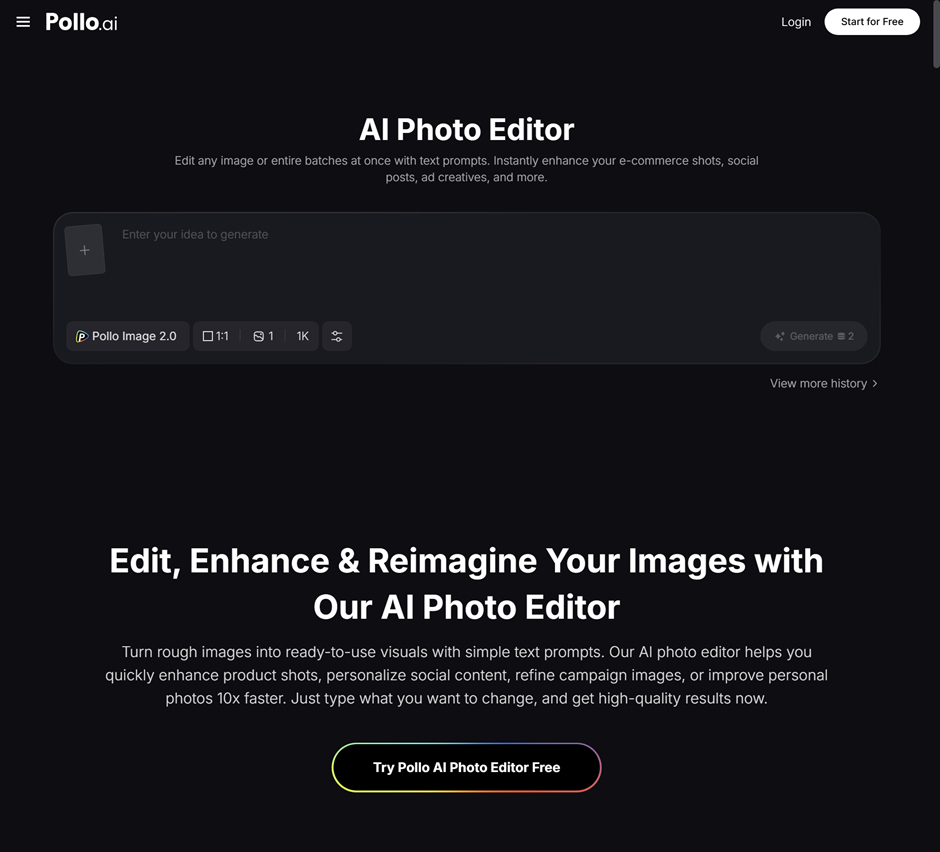
What separates stronger platforms from weaker ones is what they do beyond those basics — and how well those capabilities connect to a broader creative workflow. Pollo AI’s dedicated AI photo editor sits inside its Commerce Studio, which is designed specifically for the kinds of editing tasks that creators, marketers, and e-commerce brands need most: product image enhancement, background generation, lifestyle placement, and poster-ready compositions. Rather than treating photo editing as an isolated function, it connects directly to the platform’s broader image and video generation capabilities — all on shared credits.
For small business owners who need both edited product photography and marketing video content, that integration removes a meaningful amount of workflow friction. The edited image you produce in one session can feed directly into video generation or ad content creation without exporting, re-uploading, or rebuilding context in a separate tool.
Practical Use Cases Worth Understanding
The clearest value of AI photo editing shows up in a handful of scenarios that come up repeatedly for creators and small businesses. Product photography is the most immediate: getting a product image from a raw photo to something that looks e-commerce-ready — clean background, corrected lighting, professional composition — used to require either a professional photographer or hours of manual editing. AI tools have compressed that dramatically.
Social media content is the second high-value application. Profile images, promotional visuals, event graphics, and branded content all benefit from editing that’s fast and consistent. When you’re producing content regularly across multiple platforms, the cumulative time savings from an AI-assisted workflow compound quickly. What previously took thirty minutes per image can realistically happen in under five, at a quality level that holds up at social media resolutions.
For educators and content creators building personal brands — a growing segment of the audience that platforms like DreamWakers speaks to — headshots, event photography, and presentation visuals all benefit from accessible AI editing. The ability to produce polished visual assets without a dedicated design budget changes what’s achievable for individuals and small teams operating without agency resources.
VEED and the Broader Creative Toolkit
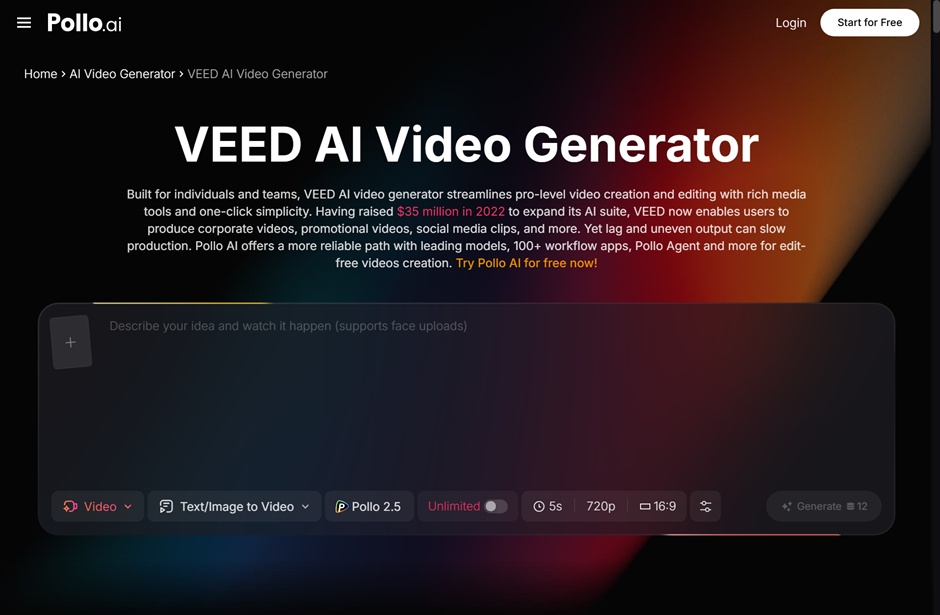
Photo editing rarely exists in a vacuum — most people who care about image quality also produce video content, and understanding how different tools connect matters for building a workflow that doesn’t create unnecessary friction. Use VEED for a different angle on the creative production stack: VEED has built a strong position in accessible video editing, particularly for content creators who need to add subtitles, captions, and basic edits to video content without a professional editing background. For creators whose workflow spans both images and video, knowing where different tools excel helps you allocate your time and budget more deliberately.
Pollo AI approaches this from an integration angle rather than a specialization angle. Its multi-studio structure — Creative Studio for content generation, Marketing Studio for advertising video, Commerce Studio for product imagery and photo editing — means you’re not building a separate tool relationship for each content type. For small teams and individual creators who already have limited bandwidth for tool management, that consolidation has real practical value beyond the cost savings.
Getting the Most From AI Photo Editing
A few habits consistently separate people who get professional-quality results from AI photo editing from those who find the output underwhelming. Input quality matters more than most people expect — a well-lit source photo with a reasonably clear subject gives the AI significantly more to work with than a poorly exposed image with a cluttered background. No editing tool, AI or otherwise, can reliably recover a fundamentally compromised image.
Being specific about your editing objectives produces better results than relying on automatic enhancement modes. If you need a clean white background for an e-commerce listing, specify that explicitly rather than running a general background removal pass. If you need lighting that matches a specific aesthetic — soft studio light, outdoor natural light, dramatic contrast — describe it in whatever prompt or settings the tool provides. The more direction you give, the closer the output will be to what you actually need.
Batch consistency is worth thinking about deliberately. If you’re editing a set of product images that will appear together on a website or in a catalog, establishing your editing parameters on the first image and applying them consistently across the set produces a more professional result than approaching each image independently. Once you have a consistent set of edited images, ai video generation tools make it easy to turn those static assets into short video content for social media or ads without starting from scratch. AI tools make this easier than manual editing ever was, but it still requires intentional workflow design rather than treating each image as a separate task.
The Bigger Picture for Visual Content in 2026
The shift AI photo editing represents isn’t just about making individual tasks faster — it’s about changing who can produce professional-quality visual content. The gap between what a well-resourced team with a dedicated designer can produce and what a solo creator or small business owner can produce has narrowed significantly. That matters for anyone building a brand, growing an audience, or running a business where visual presentation shapes how people perceive your work.
Pollo AI’s approach — connecting photo editing to a broader creative platform that spans video generation, marketing content, and design tools — reflects where the most useful AI creative tools are heading: away from single-purpose applications and toward integrated environments where different content types connect naturally. For creators and small businesses trying to produce more with limited time and budget, that integration is where the real productivity gains live.